
Guide
Create a mockup — editable on site
Start in the generator: choose a product and style, generate a photoreal scene, then edit the result immediately in the browser — transform, warp, mask, and blend modes without leaving DKARTE.
Steps
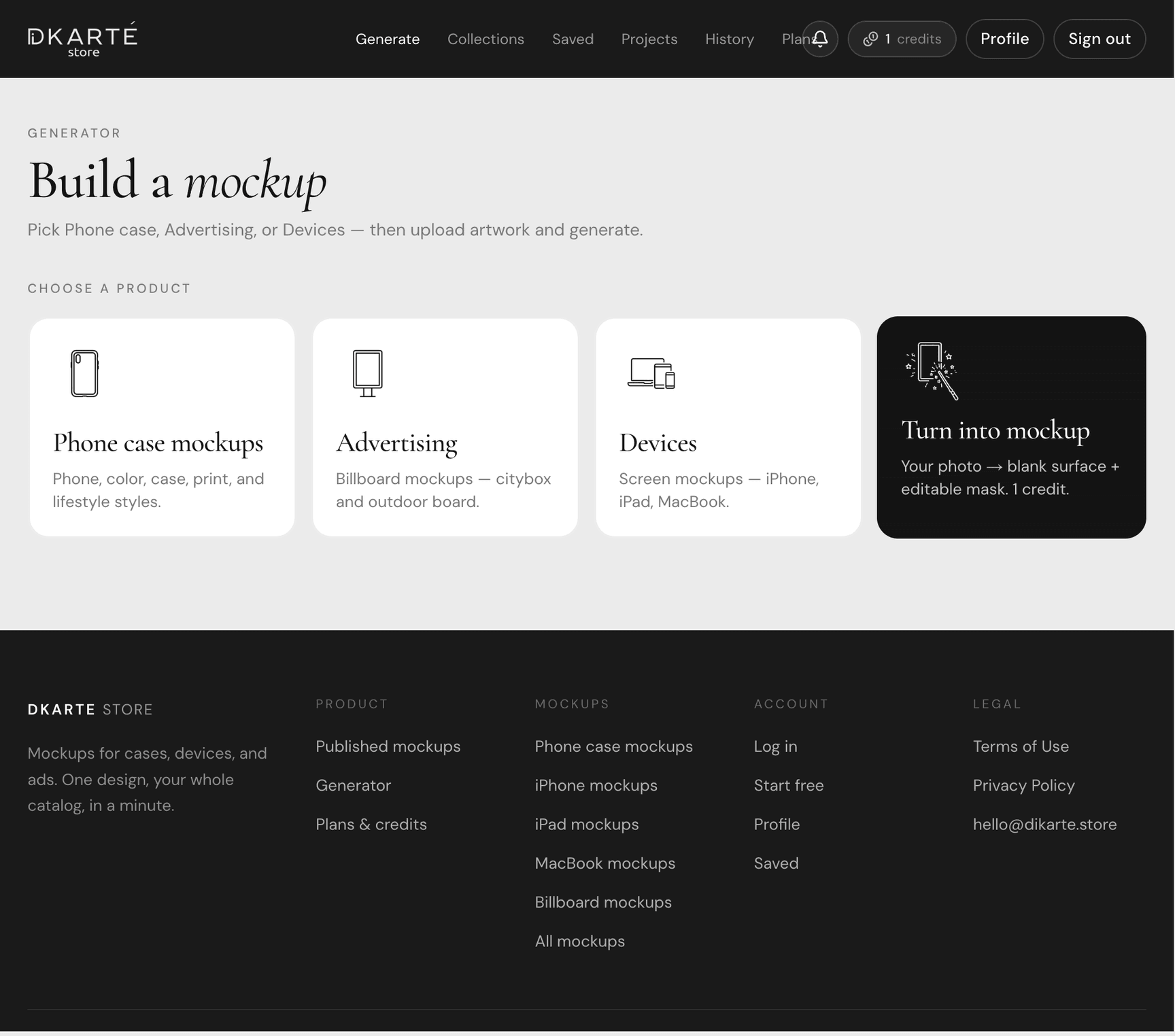
Step 01
Choose what to mock up
Open the generator and pick Phone case, Advertising, Devices, or Turn into mockup. Each flow asks only for the settings that product needs.
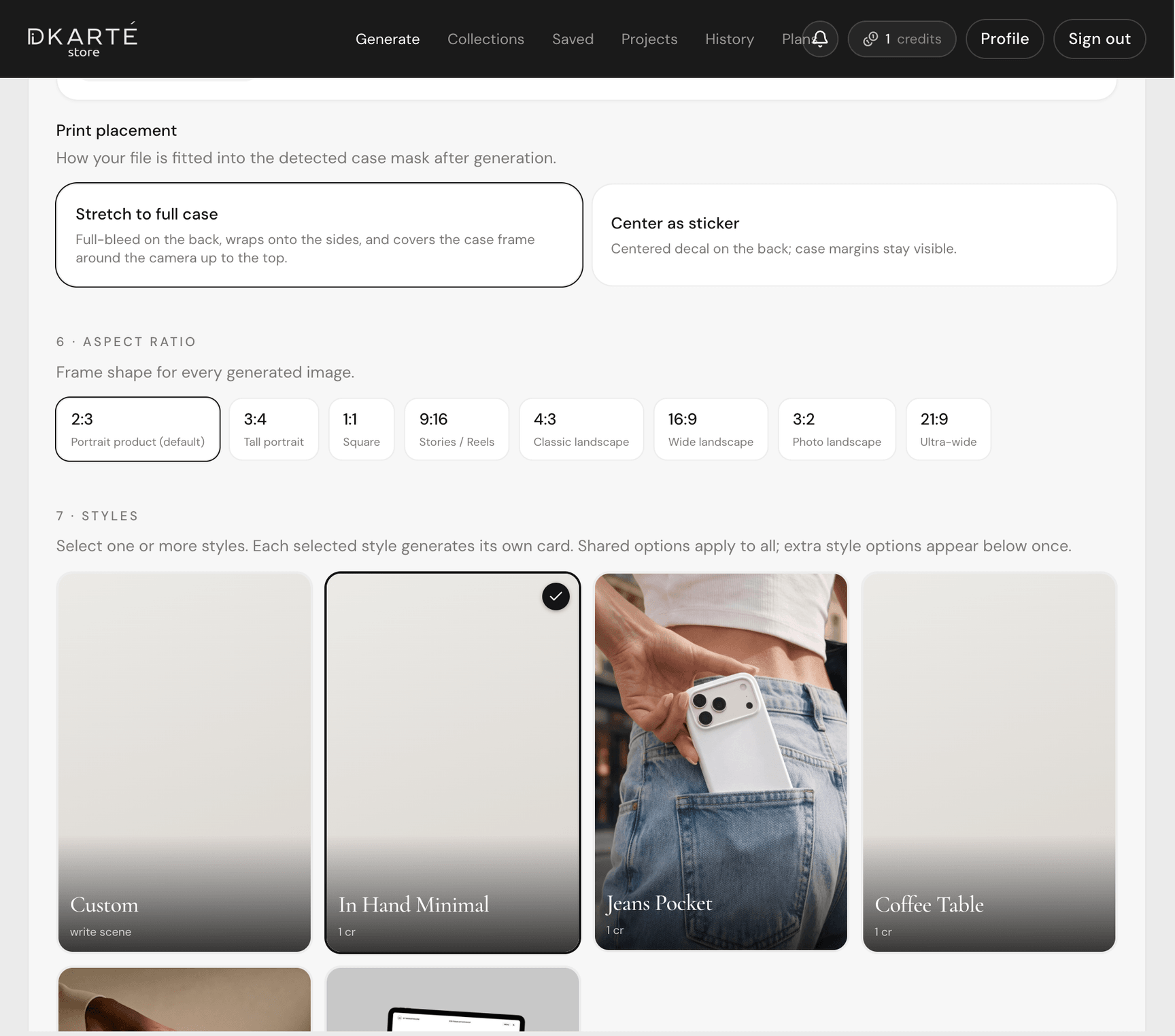
Step 02
Upload your print and pick a look
Add your artwork, choose aspect ratio and one or more scene styles. The AI renders the product photo and a blank printable area in about a minute.
Your original file is composited on top — it is not redrawn by AI, so colors and type stay accurate.
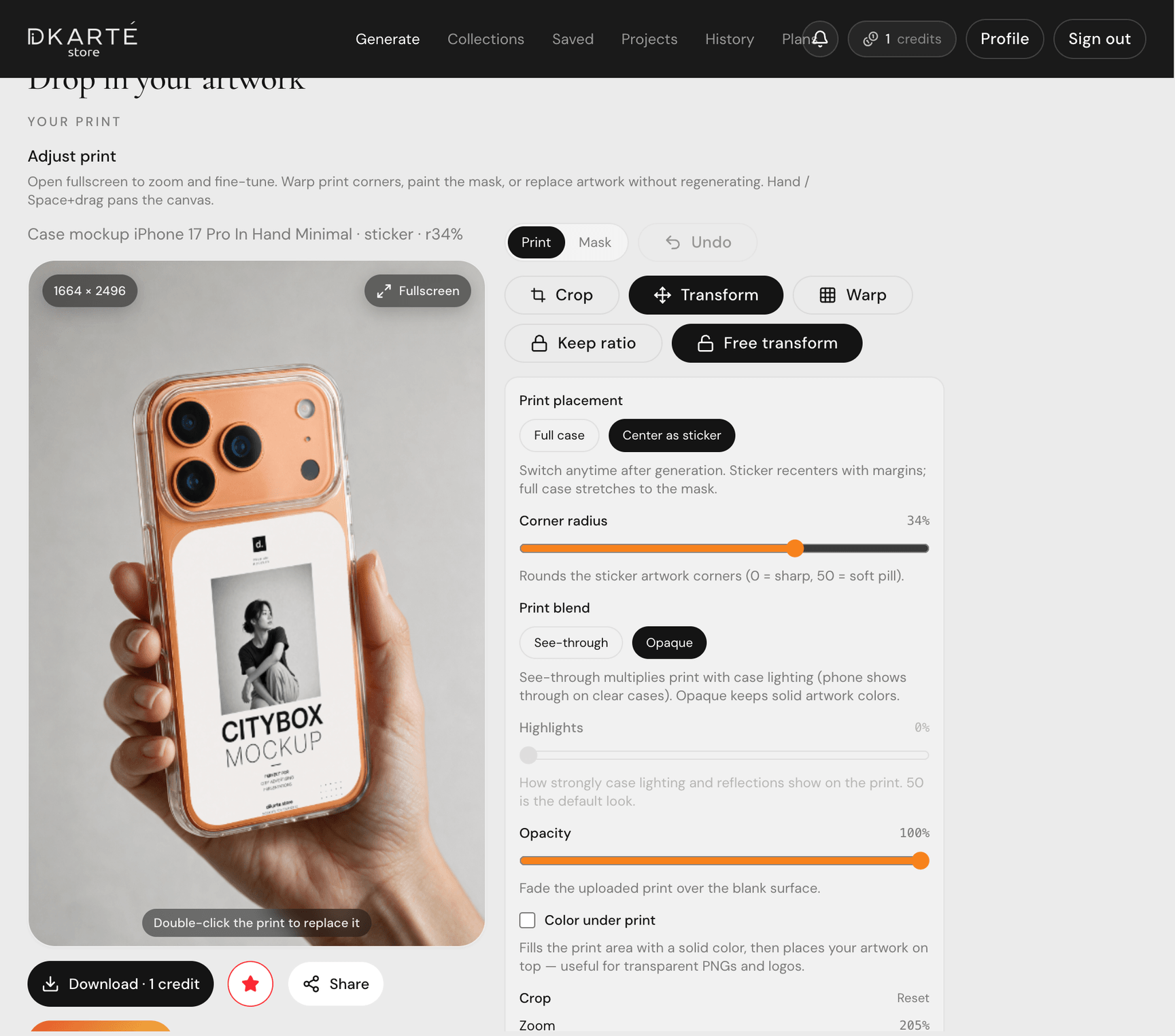
Step 03
You get an editable mockup on site
When generation finishes, the result opens in the built-in print editor — not a flat JPEG you cannot touch. Drag corners, warp curved surfaces, crop, and tune blend modes right in the browser.
This is the key difference: every generated mockup is a live, editable scene you refine before download.
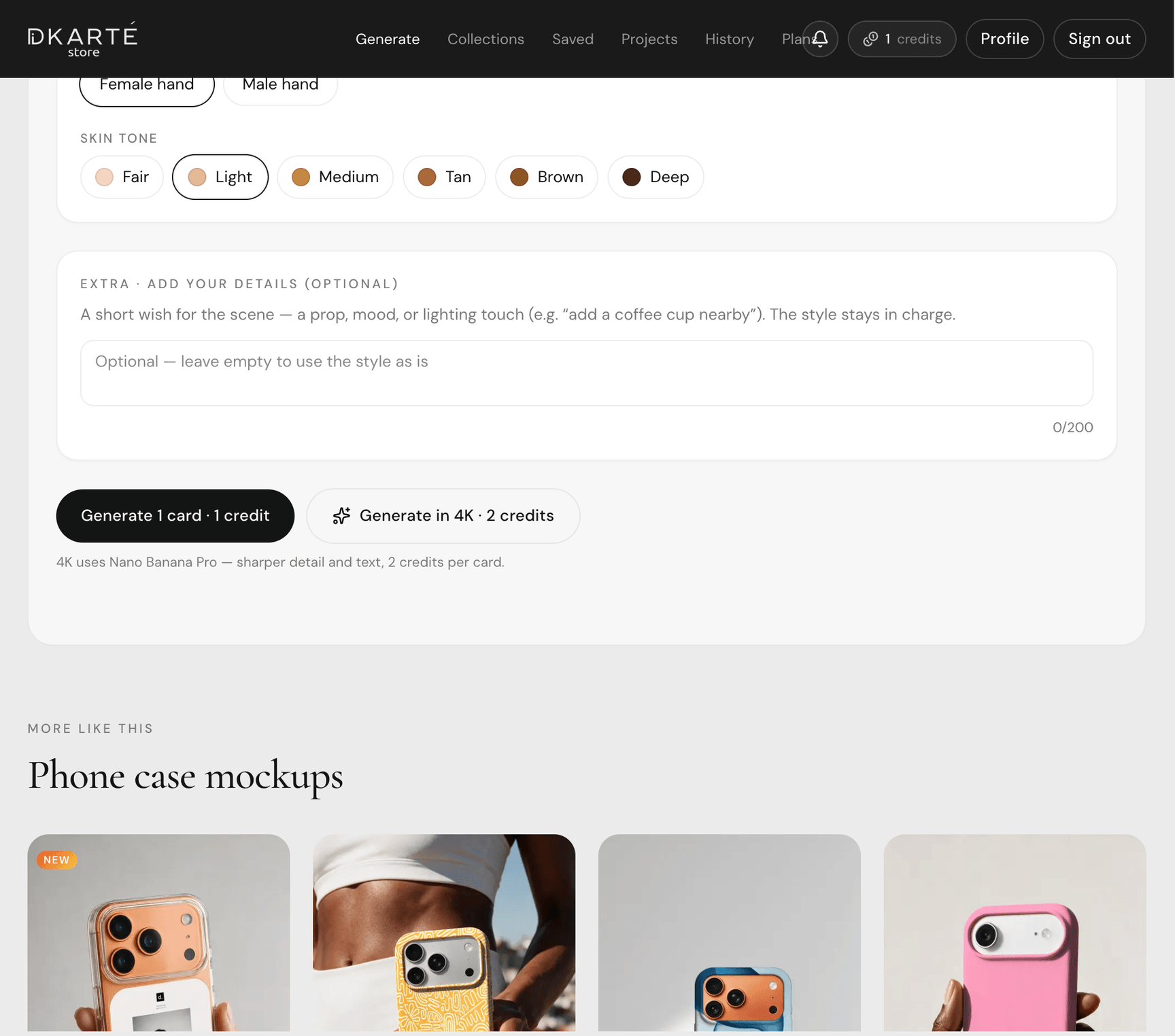
Step 04
Apply, save, and reuse
Press Apply to bake your edits, download the file, or save it to your account and projects. Swap the print later without regenerating the whole scene.
FAQ
- Is the mockup really editable after generate?
- Yes. Every generation opens in the print editor with perspective handles, mesh warp, masking, and blend modes. You adjust placement on site before exporting.
- How long does generation take?
- Usually about a minute per style card. Multiple styles render in parallel.