
Device Mockups — iPhone, iPad & MacBook
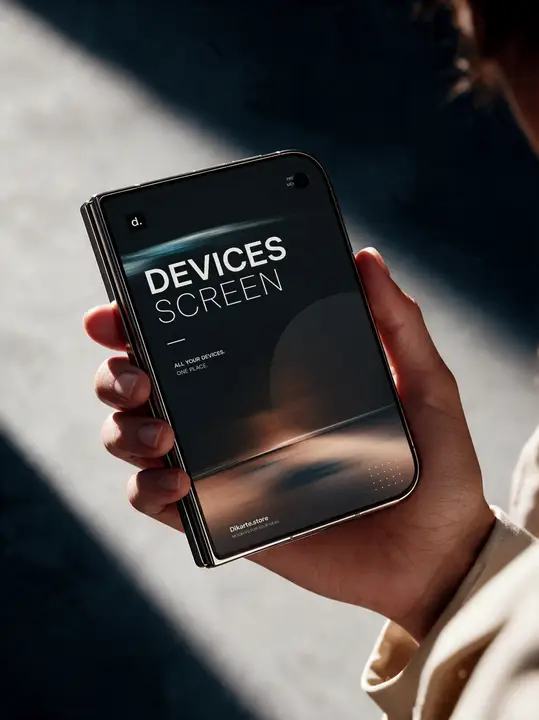
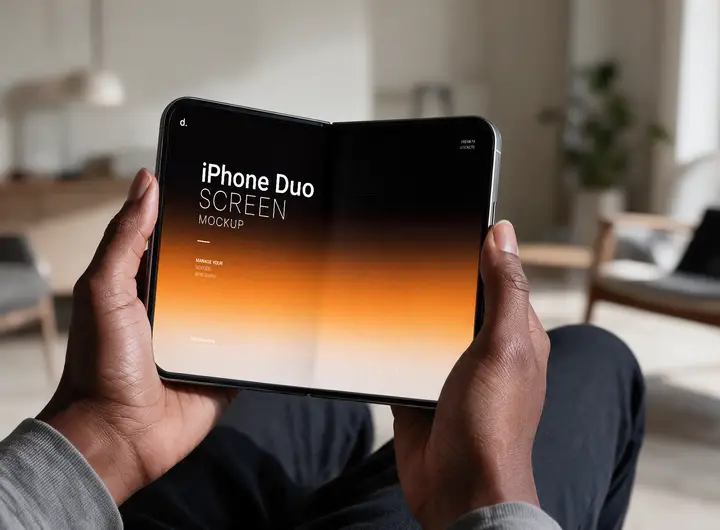
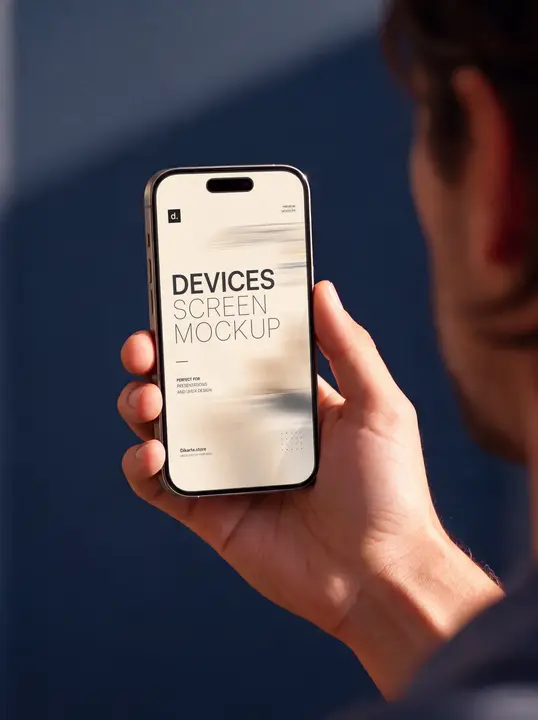
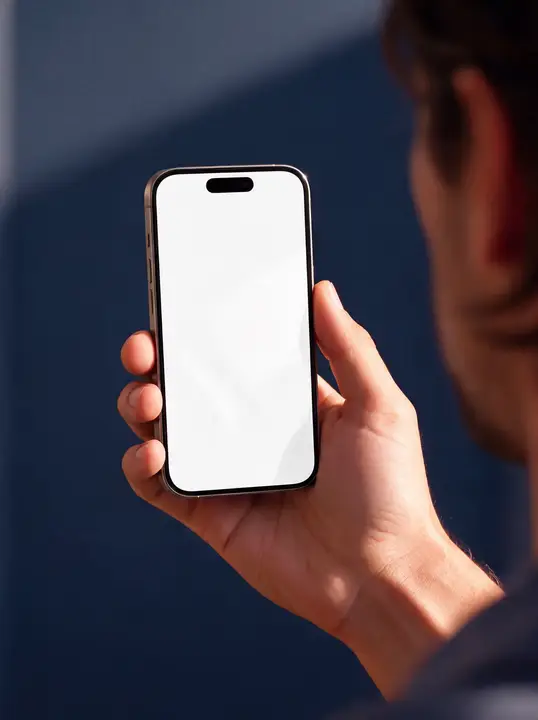
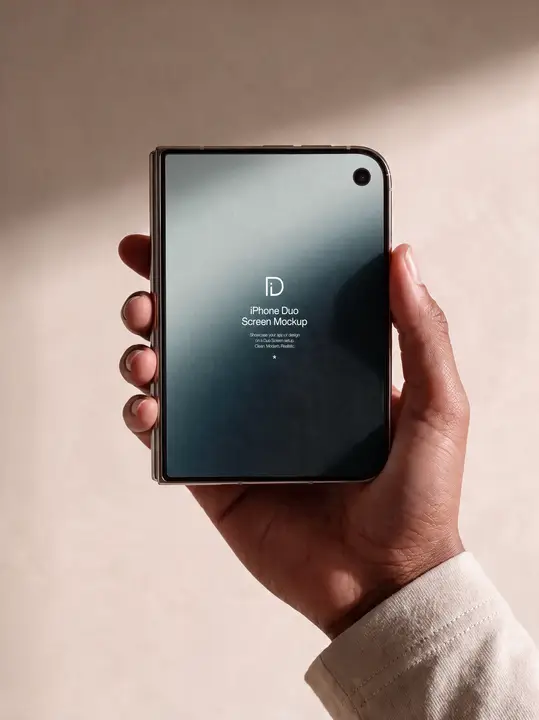
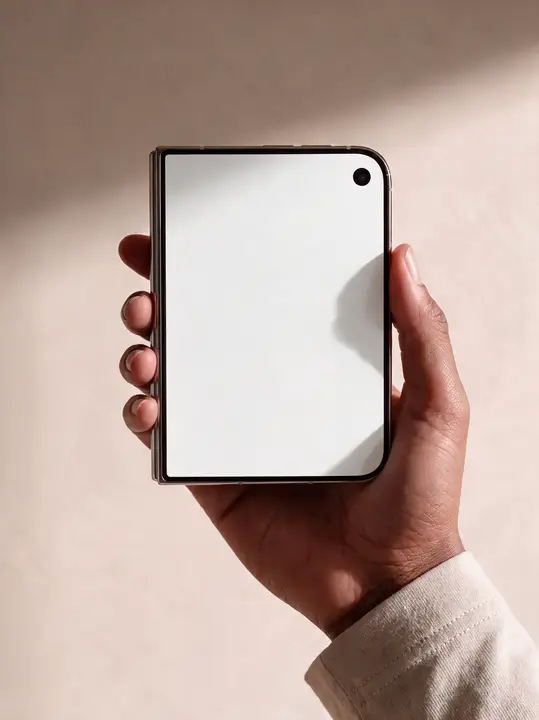
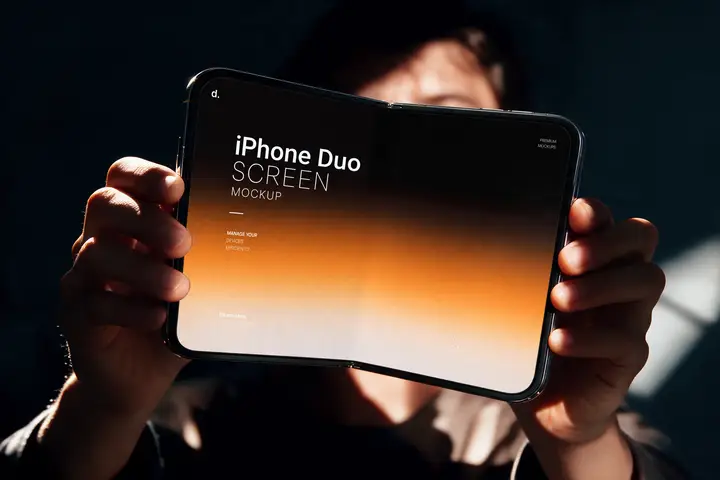
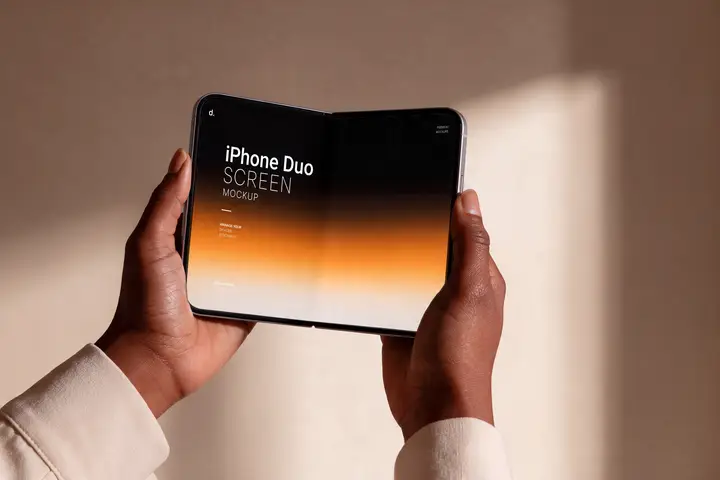
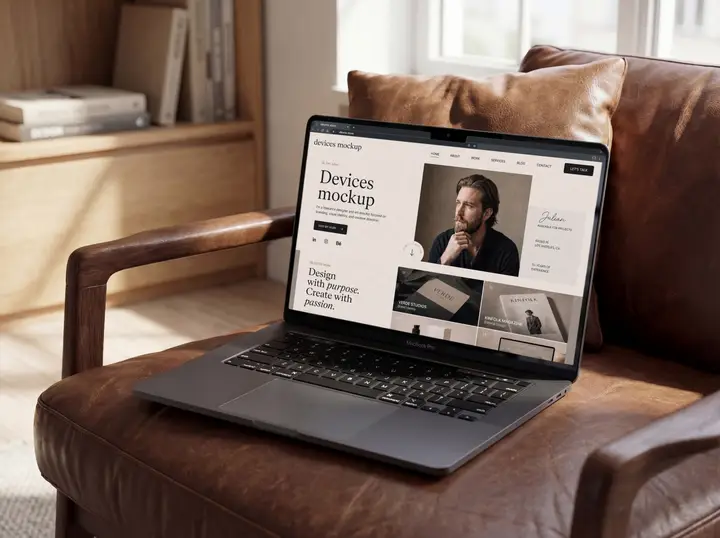
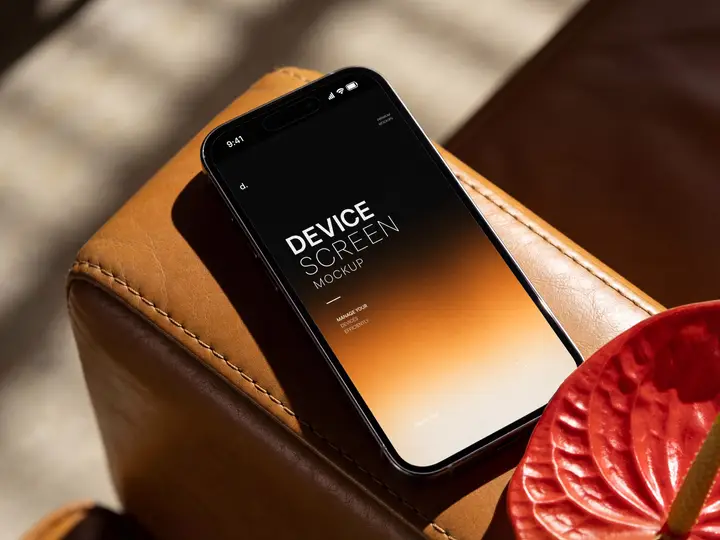
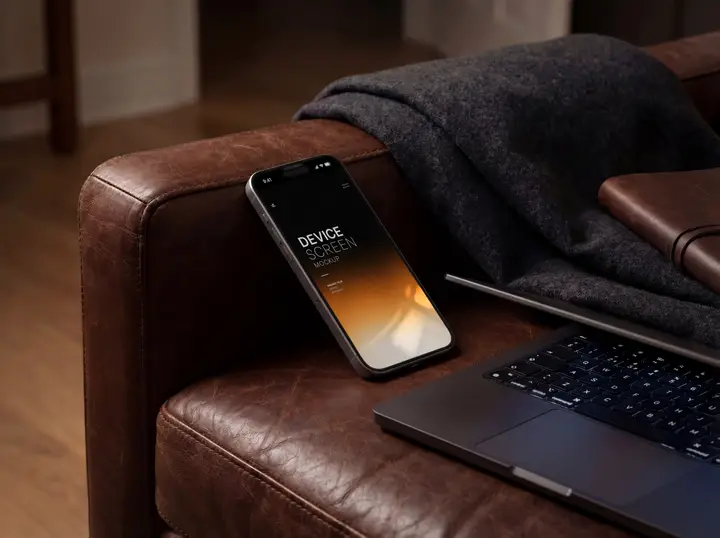
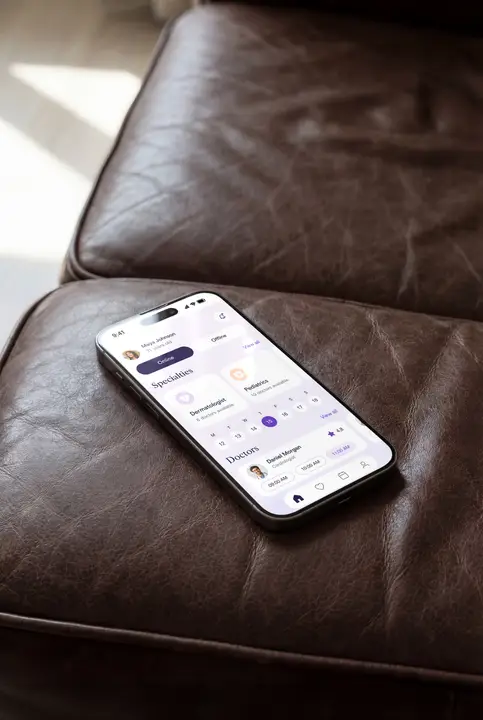
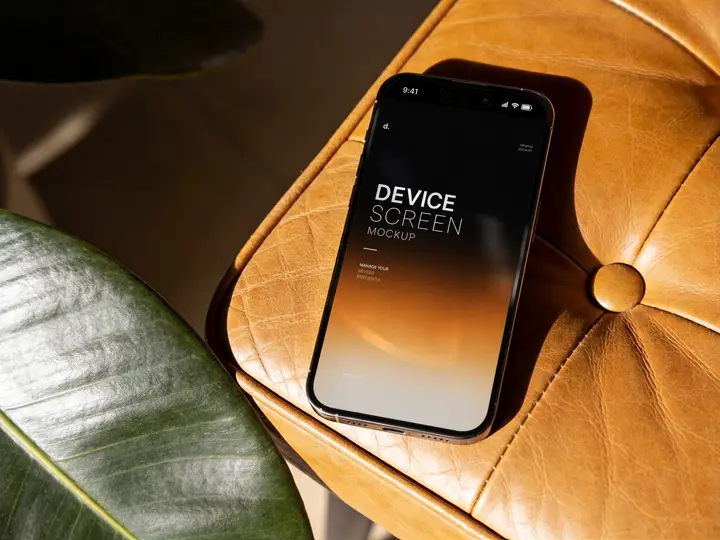
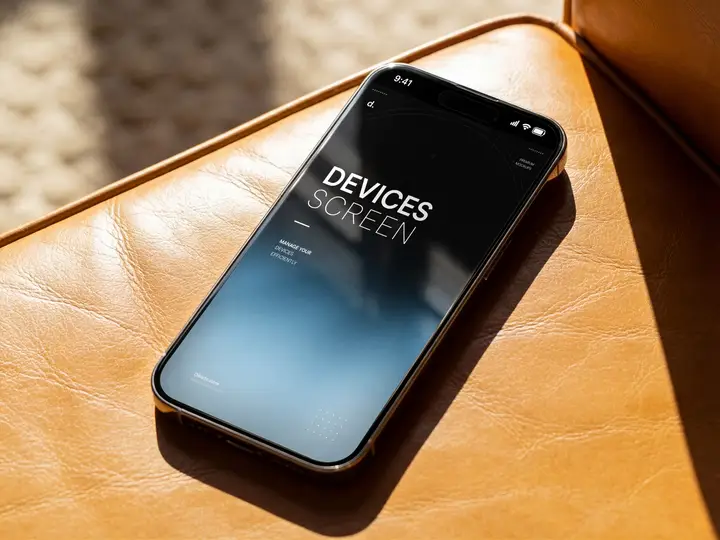
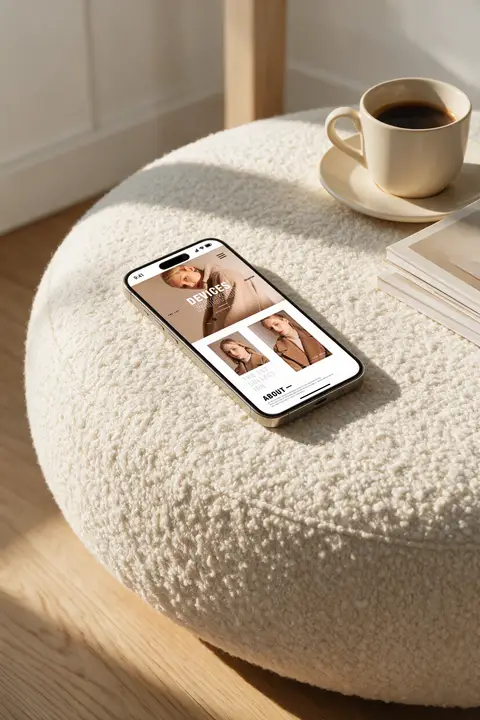
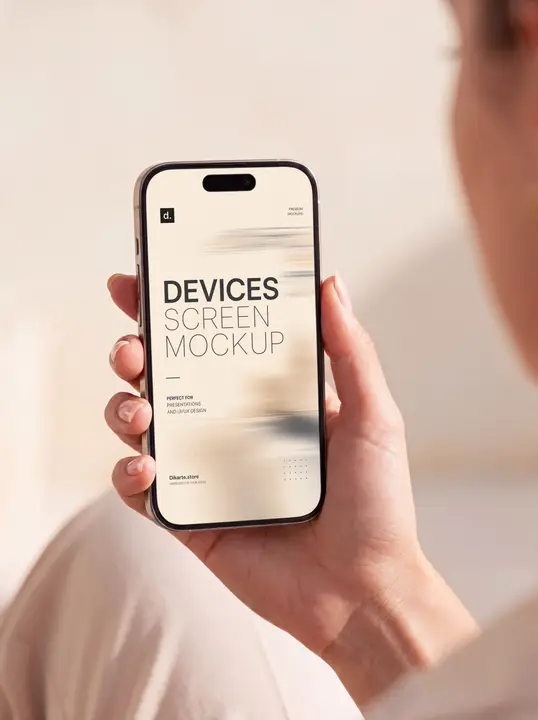
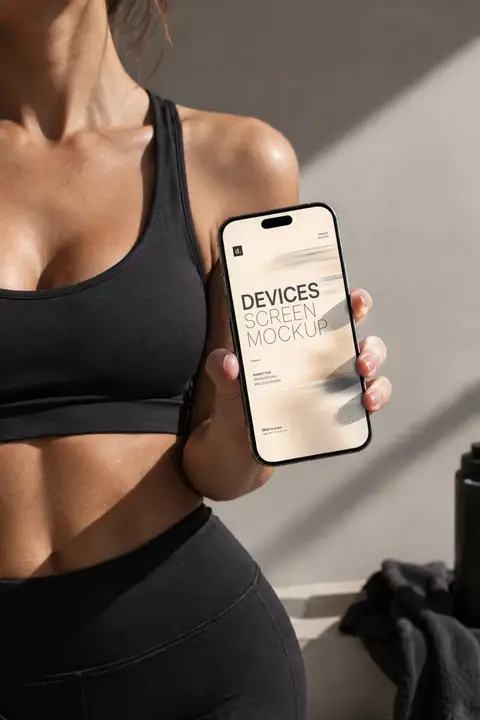
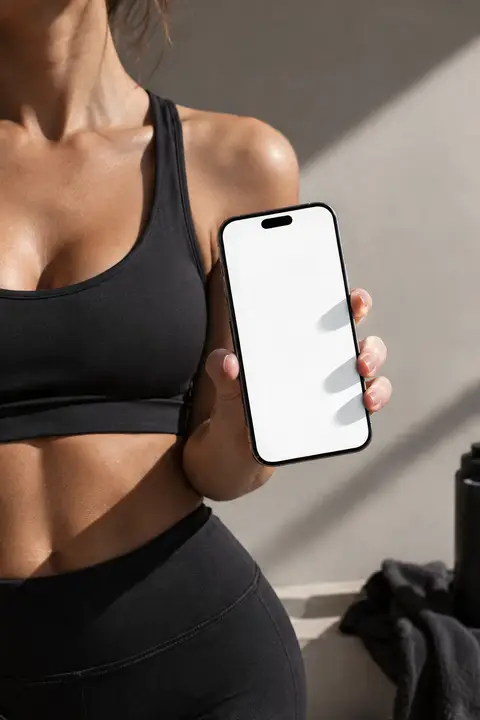
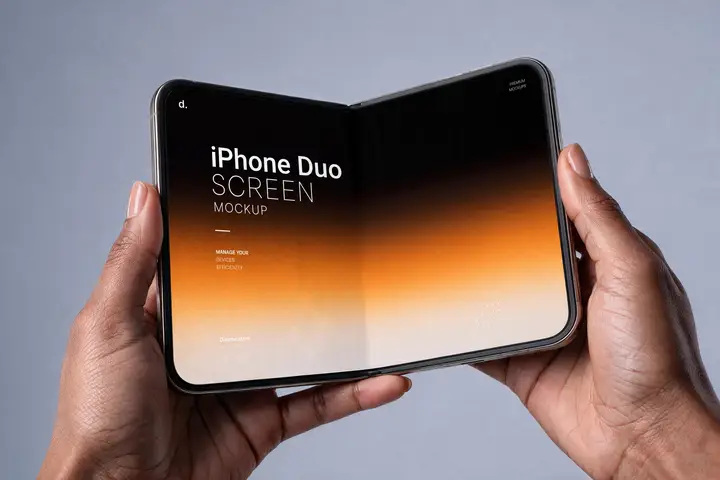
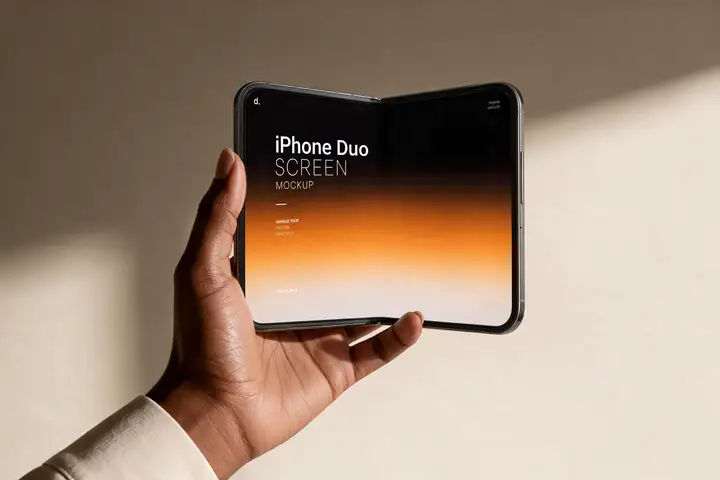
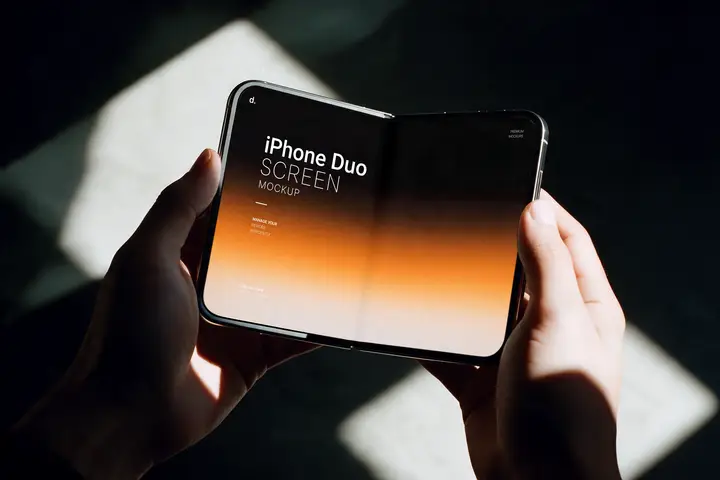
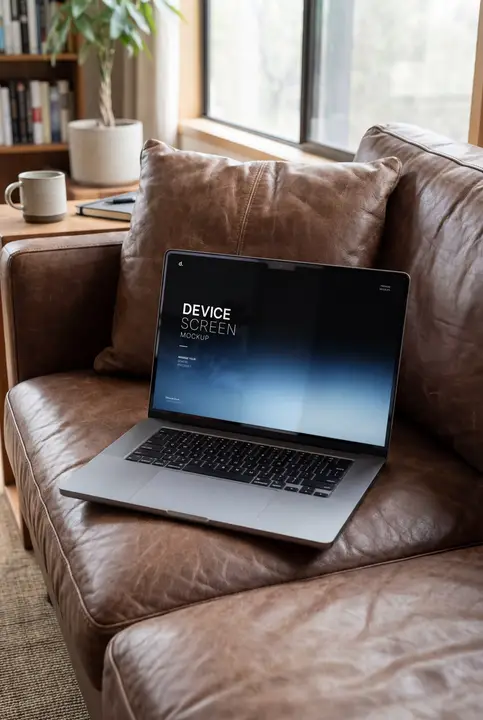
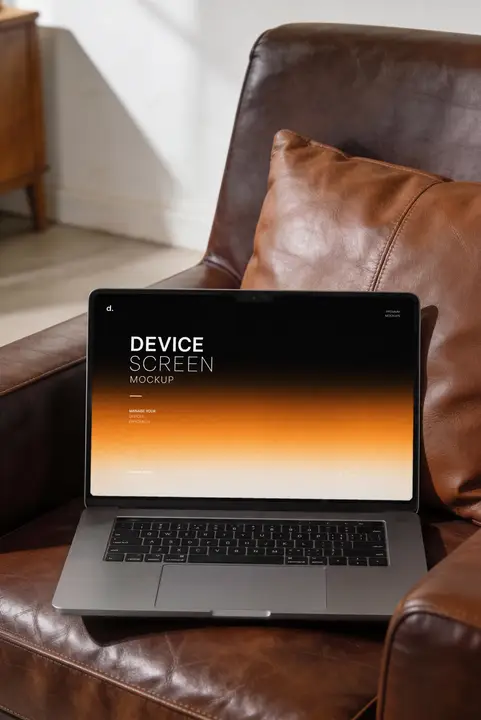
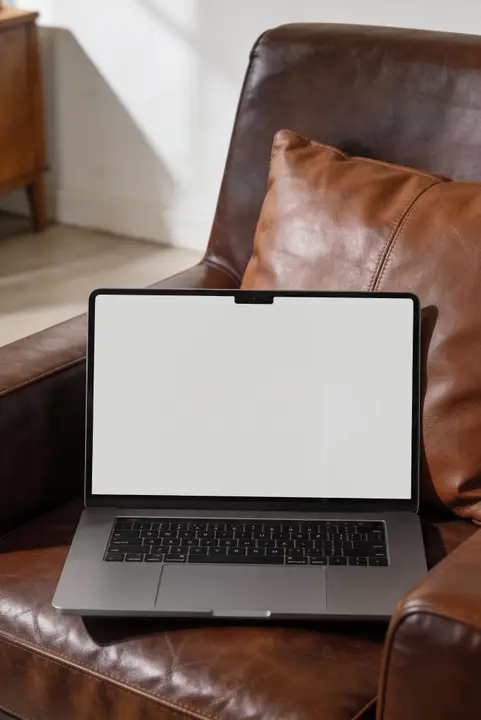
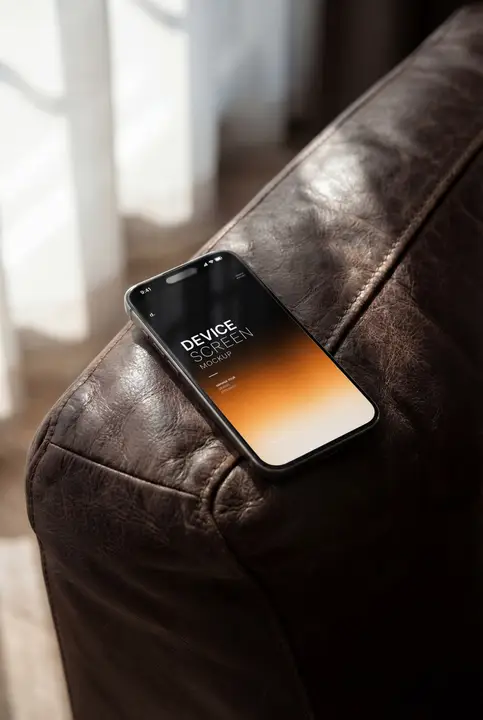
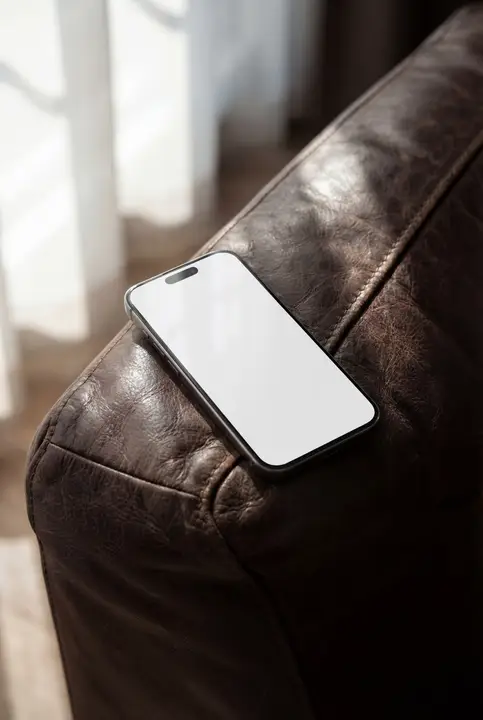
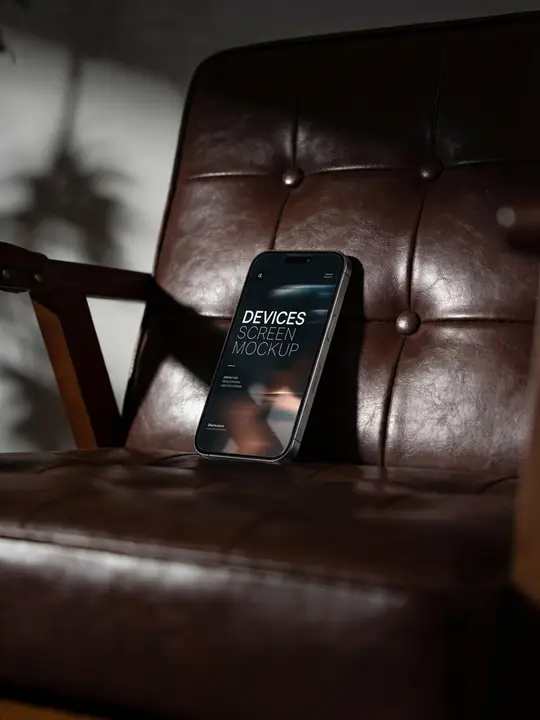
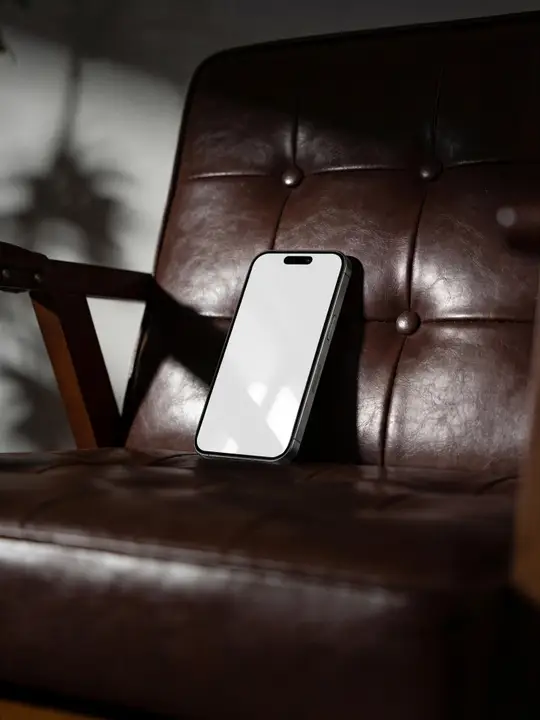
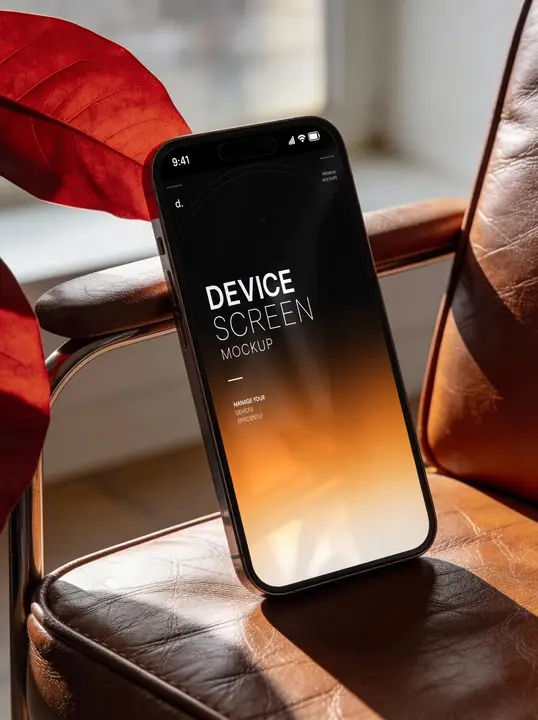
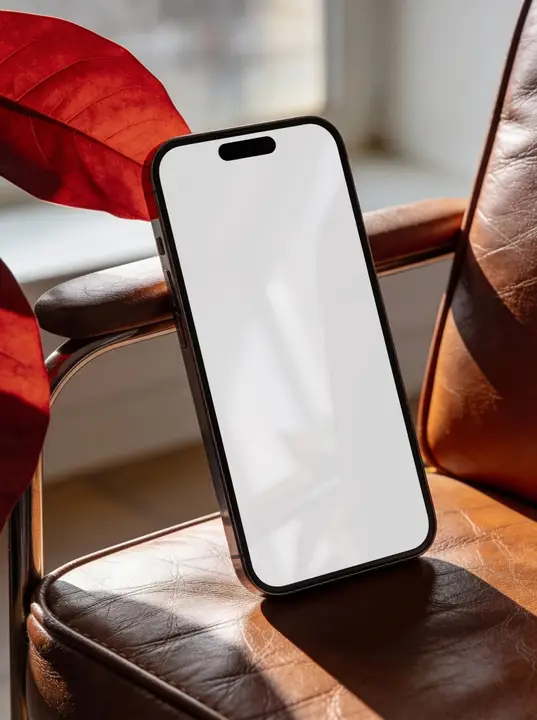
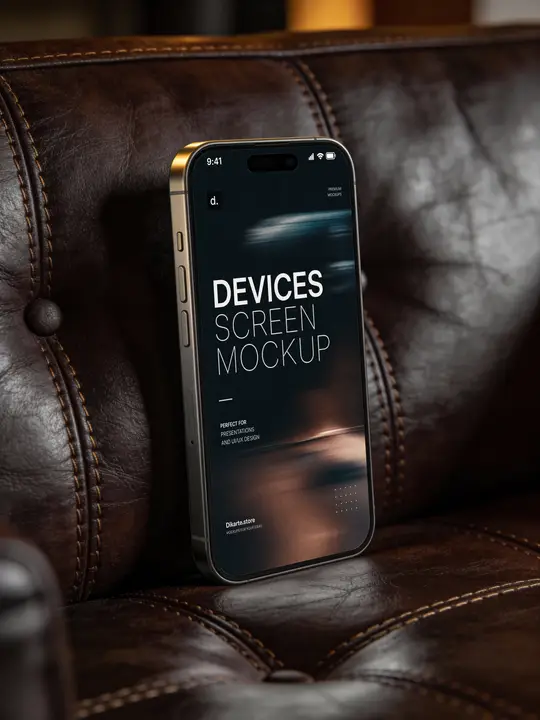
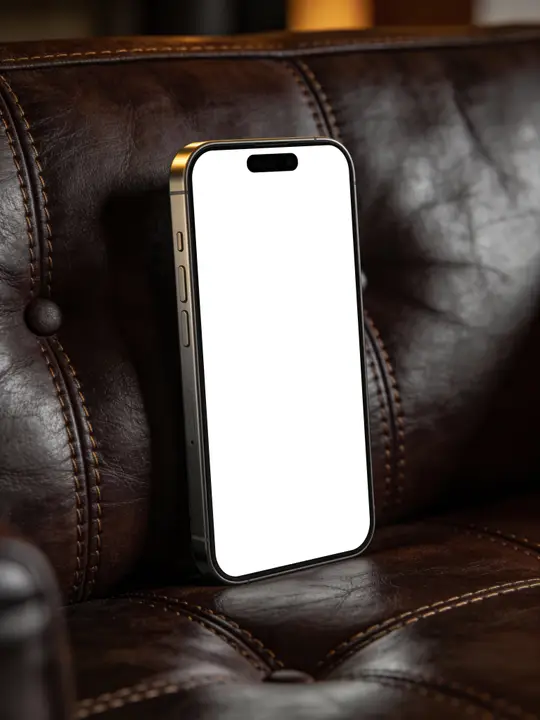
Put your app, website, or presentation on a real device. Choose iPhone, iPad, or MacBook, pick a scene — held in hand, on a desk, editorial studio light — and drop in your screen design.
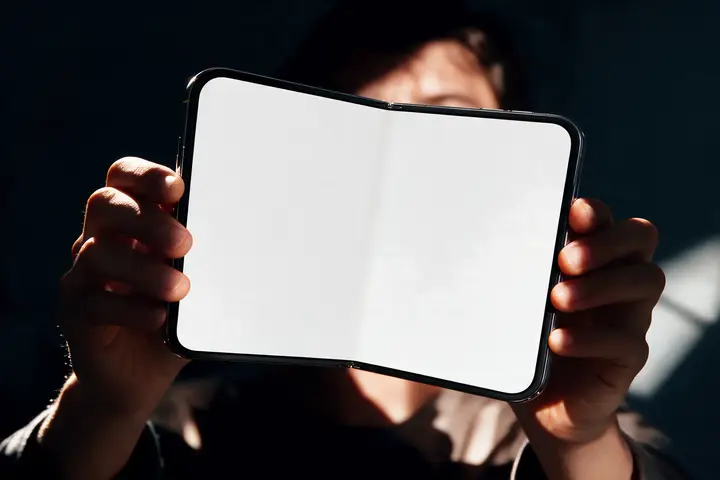
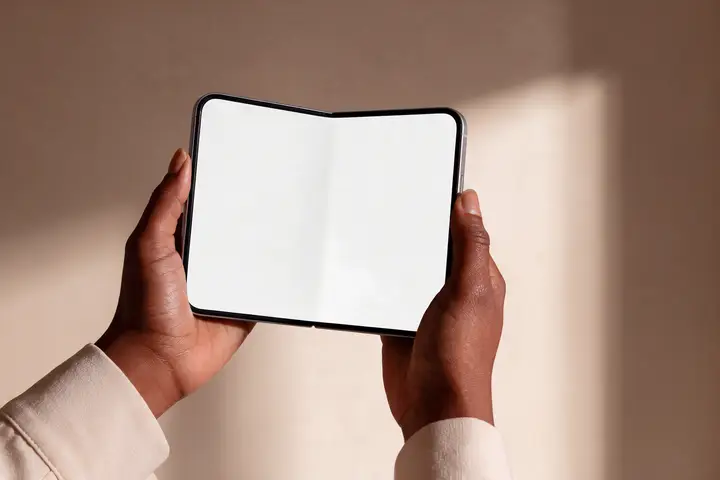
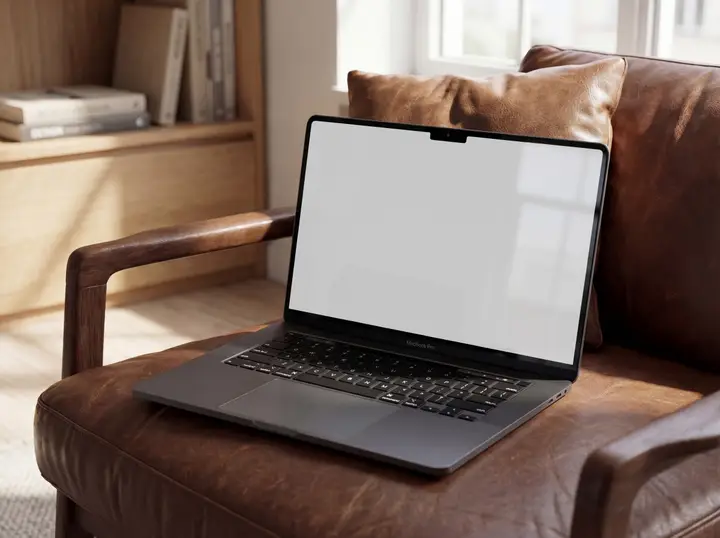
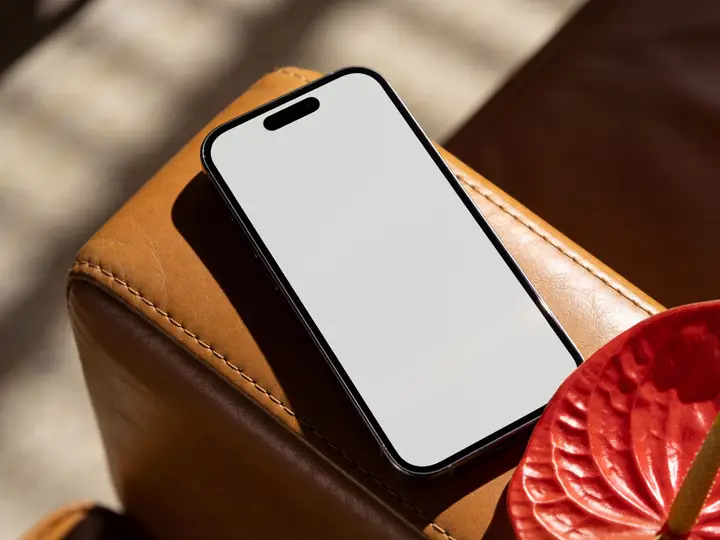
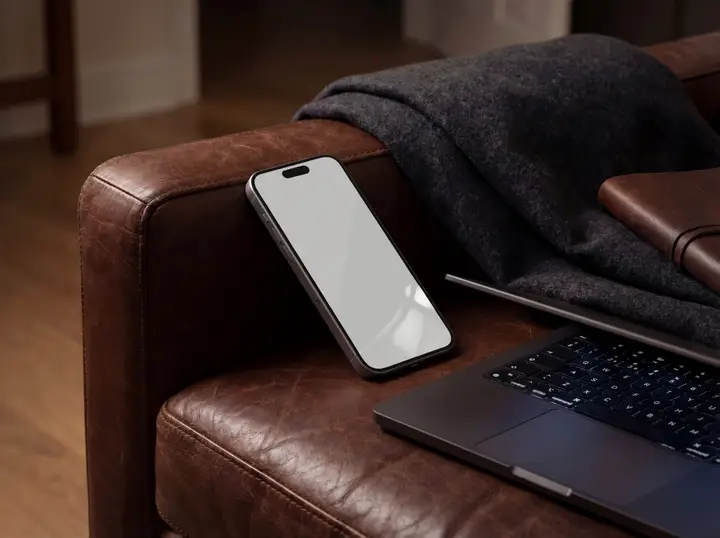
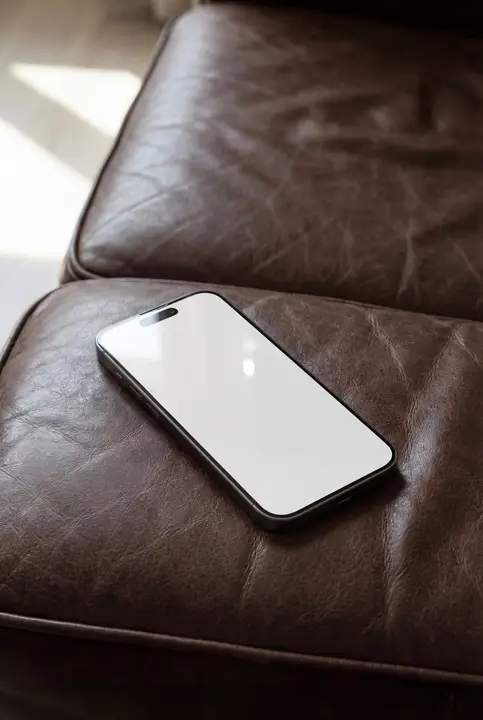
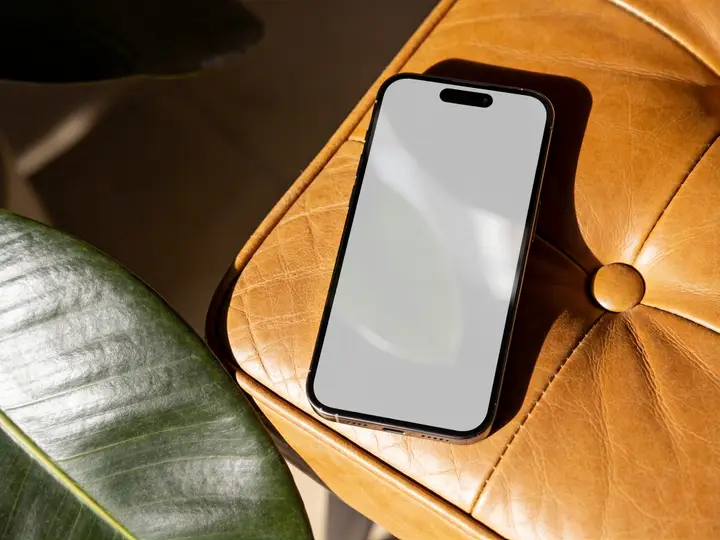
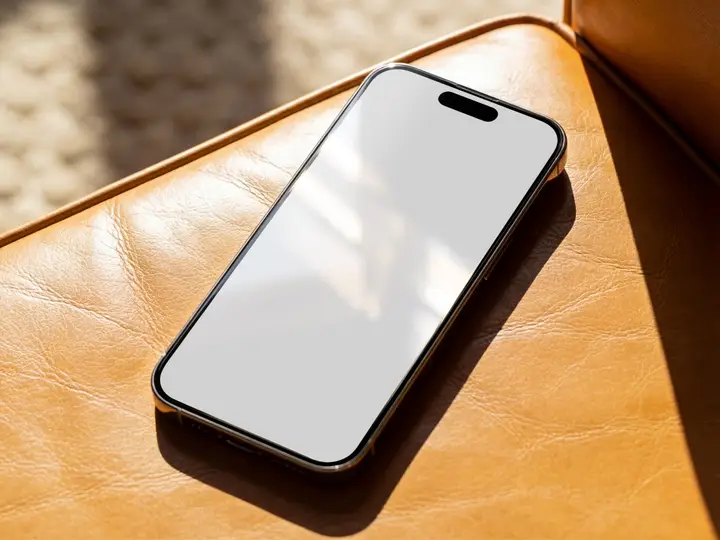
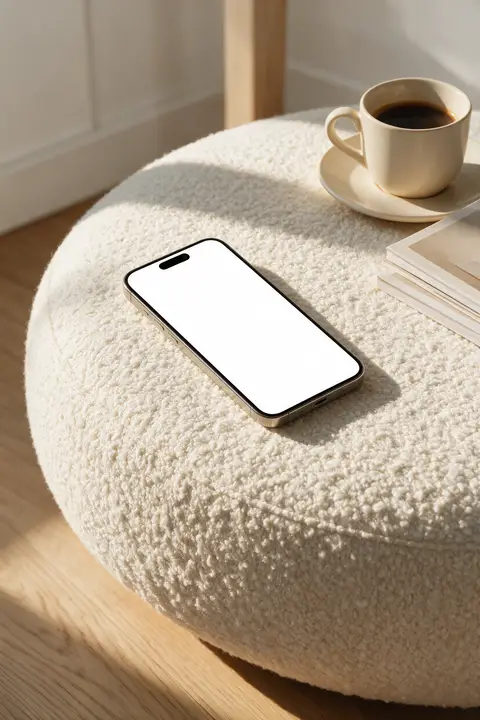
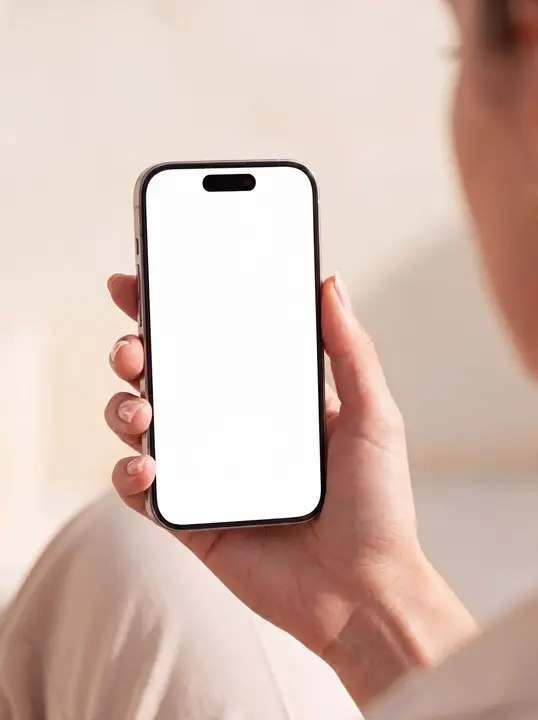
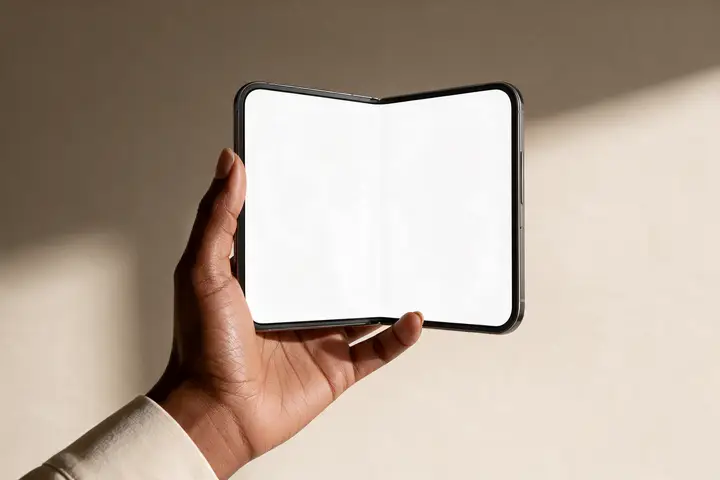
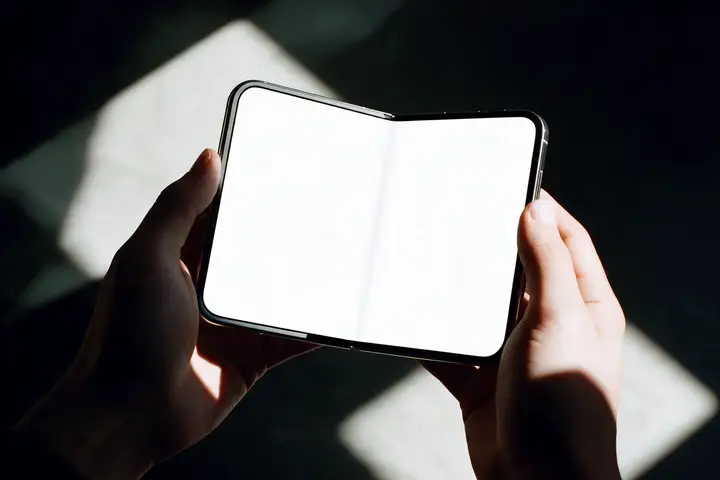
Screens are rendered blank and your image is composited with correct perspective and glass reflections, so the result reads as a real product photo.
Published Device Mockups — iPhone, iPad & MacBook


FAQ
- What can I put on the screen?
- Any image: app UI, website screenshot, artwork, or presentation slide. The generator warps it onto the display with matching perspective and adds realistic glare.
- How do I make my own version?
- Open any mockup and press “Open in editor”, or start from scratch in the generator: pick a surface, upload your artwork, and the AI renders a photoreal product shot in about a minute.
- Can I use these mockups commercially?
- Yes. Mockups you generate or download on DKARTE can be used in shops, ads, and social media. Free downloads are available for many published mockups; generating your own uses credits.
Explore more mockups
- Phone cases
- Billboards & ads
- Photo → mockup
- iPhone screens
- iPad screens
- MacBook screens
- iPhone 18 Pro cases
- iPhone 17 cases
- Pixel 10 cases
- Galaxy S25 cases
- Pixel 10 Pro cases
- iPhone Air cases
- Galaxy S25 Ultra cases
- iPhone 17 Pro cases
- Pixel 10 Pro XL cases
- iPhone 17 Pro Max cases
- Pixel 9 cases
- iPhone 16 cases
- Pixel 9 Pro cases
- iPhone 16 Plus cases
- Pixel 9 Pro XL cases
- iPhone 16e cases
- iPhone 16 Pro cases
- iPhone 16 Pro Max cases
- iPhone 15 cases
- iPhone 15 Plus cases
- iPhone 15 Pro cases
- iPhone 15 Pro Max cases